Know which playground you are opening
The title is shared by several games and fan pages, so the version matters.
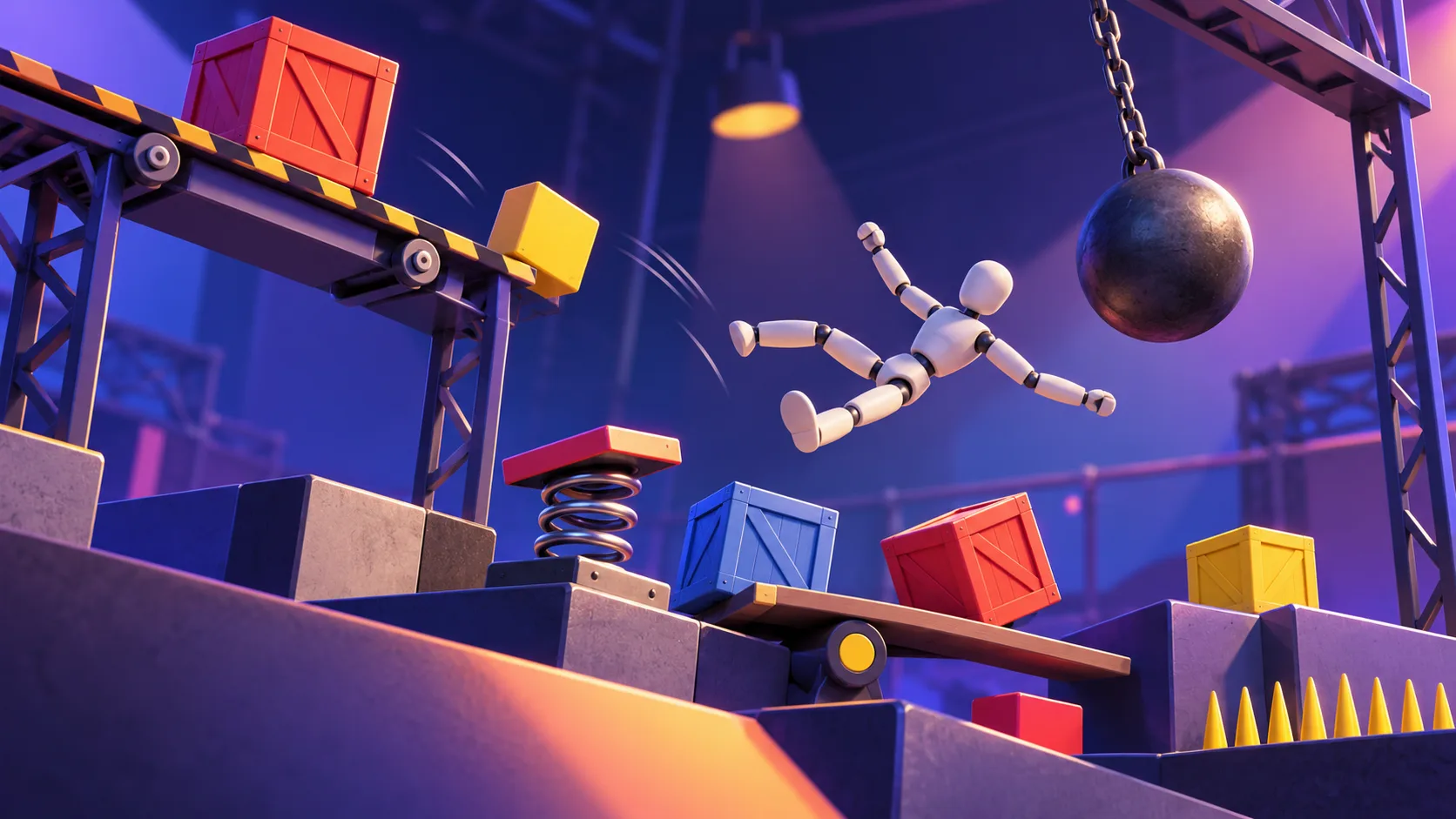
Ragdoll Playground on the linked 1Games page is an open-ended physics sandbox. You select characters and objects, put them into a scene, trigger interactions, and watch the result. The host describes it as a game without a fixed mission. That is different from a level game that asks you to reach an exit or chase a score before the timer ends. Here, the useful outcome is an experiment you understand well enough to change.
Start by checking the game interface itself before assuming that a control from another Ragdoll Playground page will work. Several browser sites use the same title for different builds. This Ragdoll Playground guide stays with the version described on the original 1Games page: objects are chosen and dragged onto a map, and a function control can activate interactions. Menus, available props, and saving behavior may change with the build, so the live game remains the source of truth.
Make a small scene before making a spectacular one
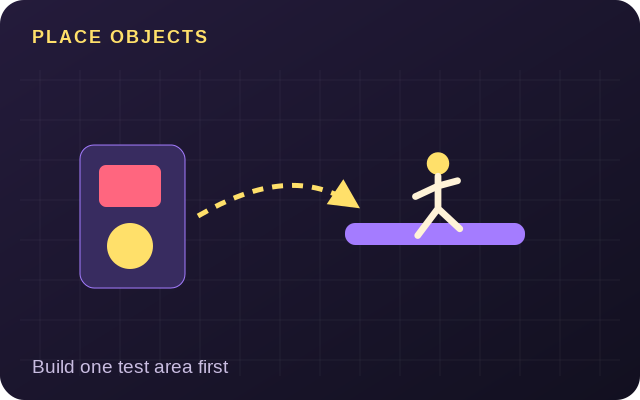
A good first Ragdoll Playground scene contains a ragdoll, one movable object, and enough empty space to see what happens. Pick an object from the available menu, drag it into the map, and place it where a collision is possible. If the object starts moving or activates immediately, let one full attempt finish before changing anything. Your first goal is not a huge chain reaction; it is to identify the starting direction and the first contact.
After that first Ragdoll Playground result, ask three concrete questions: Did the figure reach the object? Which side of the object did it touch? Where did the figure travel afterward? Those answers tell you whether to move the object, rotate it if that control is present, or add a second object. If nothing happened, the scene may need a trigger or the pieces may simply be too far apart. Look for a function button in this browser version rather than guessing a keyboard shortcut.
Connect one reaction to the next
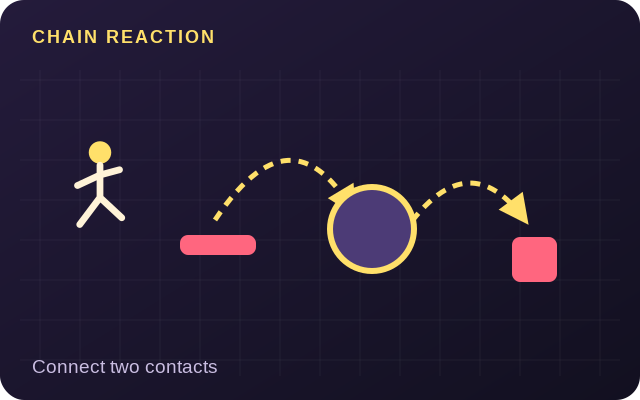
Ragdoll Playground becomes more interesting when the result of one contact causes another. A spring can redirect a moving object; a falling weight can hit a character; a moving crate can change the position of something below it. The exact pieces vary by version, but the design question stays the same: where will the energy go after the first impact? A busy screen is not automatically a better scene if its pieces never interact.
Try a two-contact experiment. Place the first object in the path you already observed, then position a second object along the likely exit path. Run the scene and watch the gap between the contacts. If the second object is missed, change its position before adding a third. If the first object stops the motion completely, change that first contact instead. This simple sequence turns Ragdoll Playground from random placement into a set of readable cause-and-effect tests.
Use an A/B test to learn the physics
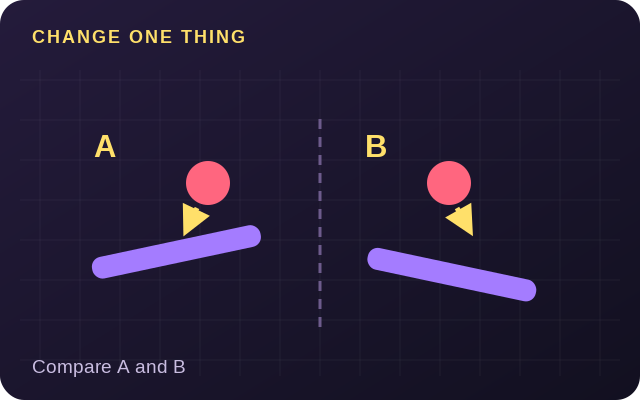
When a Ragdoll Playground attempt looks surprising, rebuild the same small scene and change only one thing. In version A, leave the platform where it was. In version B, move it a little higher or change its angle. Compare the first contact and the direction afterward. A single change makes the result interpretable. If you also change the ragdoll, the obstacle and the trigger, you will not know which adjustment mattered.
Keep a short mental note or write down the starting setup: object, position, trigger, result. Ragdoll Playground is a sandbox, so there is no required score to certify that an experiment succeeded. Success can mean producing the reaction you predicted, discovering a better angle, or finding that two props do not interact as expected. The method is especially useful when the physics appear chaotic, because it separates a repeatable effect from a lucky accident.
Know when to clear the map
As the Ragdoll Playground map fills up, older objects can interfere with a new idea. If a reaction becomes difficult to read, clear the scene or restart using the controls offered by the current build, then recreate only the useful pieces. This is more effective than stacking new props over a broken setup. A clean reset also helps you discover whether an effect depends on object order, a hidden collision, or simply the starting position.
Before clearing, identify the one part you want to keep. Perhaps the first spring reliably sends the ragdoll across the room, but the final landing is poor. Rebuild the reliable spring first, then test a different landing object. In Ragdoll Playground, preserving a working cause while replacing the weak part is often the fastest route to a satisfying chain. If the host offers a save or share function, verify it in the current game before relying on it.
Choose sandbox freedom or a defined target
Ragdoll Playground suits players who want to choose the objects and define the experiment. There may be no finish line telling you when the scene is complete. If you prefer a game with a clear collision score and coins for upgrades, the main game on this site, No Pain No Gain, has a different loop: place obstacles, cause contacts and use the reward to expand the next setup. The two experiences share physics, but they ask different questions of the player.
That distinction also helps when searching for a game. A page called Ragdoll Playground may show a 2D editor, a 3D toybox or a completely different title on another platform. Check the developer, format and opening screen before following advice written for a different build. This page links to the 1Games browser version it describes. If you are reading about a store download or a Roblox experience with the same words, treat its controls and features as a separate product.
Quick answers
Is Ragdoll Playground a level game?
The linked 1Games version is described as an open sandbox without fixed missions. Build a scene, trigger interactions and set your own experiment.
Can I play Ragdoll Playground here?
The game is linked on its original host. This site does not embed the 1Games page because framing requires written consent.
Do I need to download it?
The linked version is an HTML5 browser page. Other games with the same title may have separate store versions; check the exact page before downloading anything.
Will controls match another Ragdoll Playground site?
Not necessarily. The title appears on multiple builds. Use the live game interface for current controls and treat this guide as a method for experimenting.